Table of Contents (12 sections)
With advancements in smart technology, creating an optimized smart home setup has become essential for improving efficiency and enhancing user experience. In this guide, we will explore various steps to ensure your devices work harmoniously and effectively, combining convenience with practical energy management.
1. Assess Your Current Smart Home Devices
Before diving into optimization, it's essential to assess what smart devices you currently have. Make a list that includes everything from smart lights and thermostats to security cameras and smart speakers. This assessment allows you to identify areas for improvement and plan for potential upgrades.
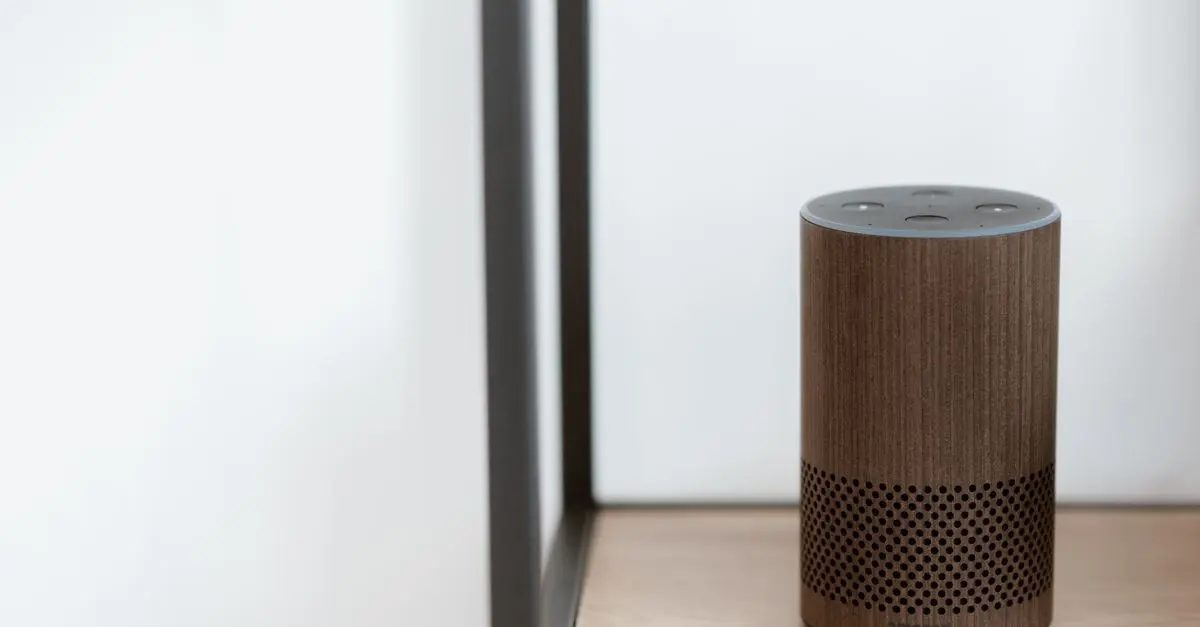
Consider grouping devices within their categories and checking for compatibility with home automation systems like Amazon Alexa, Google Home, or Apple HomeKit. Statistics indicate that around 70% of smart home owners face compatibility issues, leading to a lack of device integration, which ultimately reduces efficiency. For example, if your smart thermostat and light system are incompatible, you miss out on automating your home's energy consumption during peak hours.
2. Optimize Your Wi-Fi Network
A strong and stable Wi-Fi network is the backbone of any smart home setup. Begin by testing your internet speed and coverage throughout your home. If you find weak spots, consider solutions like repositioning your router, adding a Wi-Fi extender, or upgrading to a mesh network. According to data from UFC-Que Choisir, reliable Wi-Fi improves device responsiveness, reducing lag times and optimizing overall user experience.
Investing in a Wi-Fi 6 router can dramatically enhance your network's performance, especially when multiple devices are connected. Give priority to devices that require a more stable connection, such as video cameras and streaming devices. Moreover, regularly update your router’s firmware to enjoy security enhancements and performance improvements.
3. Centralize Control with Smart Hubs
Using a smart hub can streamline management of all your devices in one place. Hubs like SmartThings or Google Home allow you to set automations and routines effectively. According to a report from Les Numériques, users who utilize a smart hub report a 30% increase in device efficiency through better synchronization and automation of functions.
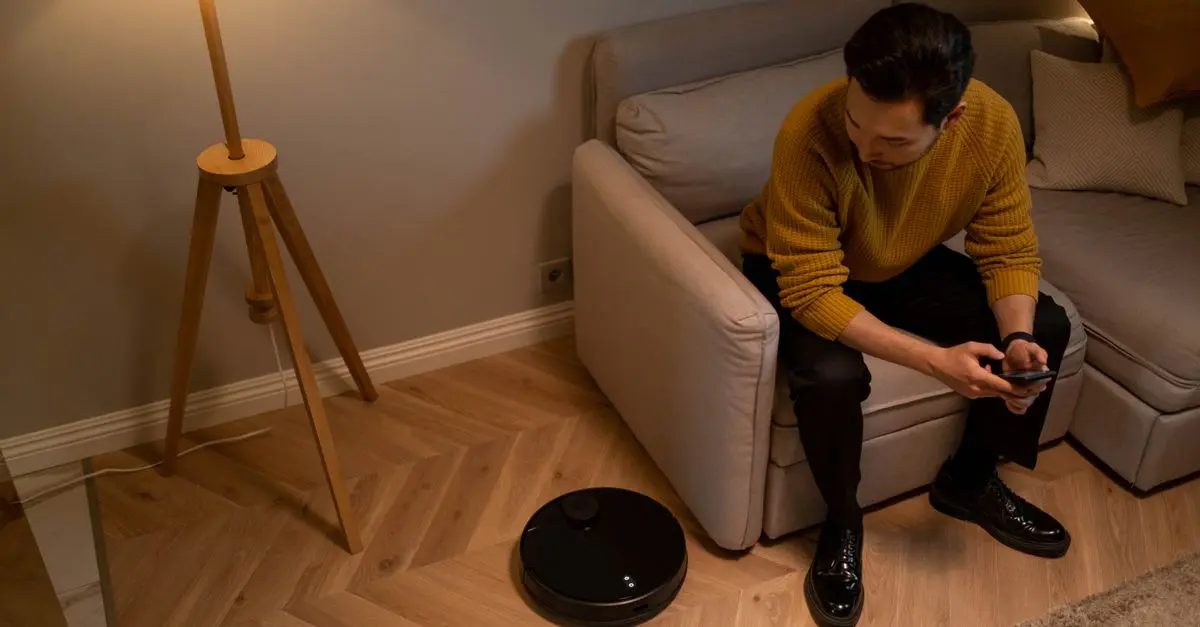
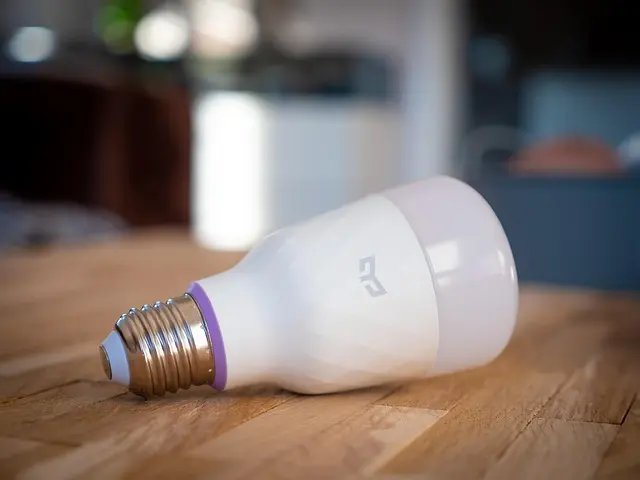
For instance, you can program your lights to turn off when you leave home and adjust the thermostat automatically to save energy. Additionally, using a hub can reduce the number of apps you need to manage, making your experience smoother and more intuitive. Be sure to select a hub that supports all brands and devices you own for seamless integration.
4. Implement Energy Monitoring
Smart energy monitoring devices help gauge the energy consumption of your smart home setup. These tools can identify power-hungry devices, enabling you to make informed decisions about usage. According to INSEE, households using energy monitoring save an average of 15% on their utility bills annually.
Consider investing in smart plugs that monitor energy consumption and grant remote control over devices. For instance, you can schedule your coffee maker to run during off-peak hours, taking advantage of lower energy rates. Make it a habit to analyze energy consumption reports periodically to adjust behavior and further optimize your energy use.
5. Enhance Security with Smart Devices
Every smart home deserves a robust security system. Utilize devices such as smart cameras and doorbell cameras that can alert you to suspicious activity in real-time. According to a 2025 report, homes with smart security systems experience a 40% reduction in burglary incidents.
When choosing security devices, ensure they offer features like two-way audio, night vision, and motion detection. Additionally, integrate your security systems with your home automation hub for streamlined notifications and control. Regularly update device software and consider security cameras that can send alerts directly to your smartphone.
6. Regularly Update Your Devices
Keeping your smart home setup updated is crucial for maintaining security and performance. Ensure firmware updates are regularly applied to all devices to incorporate new features and fix vulnerabilities. Many devices now offer automatic updates, but it’s wise to check settings to ensure everything remains up to date.
You should also check device compatibility periodically, especially when considering new additions to your smart home. Keeping everything connected and up to date reduces problems and enhances the overall functionality of your smart home environment.
Checklist for Optimizing Your Smart Home Setup
- [ ] Assess current devices and compatibility.
- [ ] Test your Wi-Fi network coverage and speed.
- [ ] Invest in a smart hub for centralized control.
- [ ] Set up energy monitoring devices.
- [ ] Implement a robust smart security system.
- [ ] Regularly update device firmware.
🌐 Tableau comparatif des dispositifs de sécurité smart
| Critère | Option A | Option B | Option C | Verdict |
|---|---|---|---|---|
| Coût | $100 | $150 | $200 | Option A best value |
| Caractéristiques | Vidéo 1080p, audio bidirectionnel | Vidéo 2K, détection de mouvement | Vidéo 4K, stockage cloud inclus | Option C highest features |
| Facilité d'utilisation | Application simple | Intégration hub difficile | Application intuitive | Option C easiest |
| Support client | 24/7 disponible | Horaires limités | Assistance en ligne | Option A best support |
Glossaire
| Terme | Définition |
|---|---|
| Smart Home | Habitation équipée de dispositifs connectés et automatisés. |
| Hub | Appareil central qui gère l'interaction entre plusieurs appareils smart. |
| Wi-Fi 6 | Dernière norme de Wi-Fi offrant de meilleures vitesses et une meilleure connectivité.
📺 Ressource Vidéo
> 📺 Pour aller plus loin : Optimizing Your Smart Home Setup, a complete guide to optimizing your smart home technology. Search on YouTube: "smart home optimization 2026"
🧠 Quiz rapide : Quel est l’un des principaux avantages d’un hub smart ?
- A) Ils coûtent moins cher.
- B) Ils centralisent le contrôle des appareils.
- C) Ils consomment plus d’énergie.
Réponse : B — Ils simplifient la gestion des appareils en un seul endroit.


aosu | SECURITY 4K SolarCam P1 Max with aosuCortex System + Video Doorbell Pro + Floodlight Cam Pro
aosulife.com
Call To Action
Ready to enhance your smart home setup? Don’t miss out on our carefully selected products tailored for optimization. Explore our recommendations below!
📺 Pour aller plus loin : smart home optimization 2026 sur YouTube
Recommended products
Selected by our experts


aosu | SECURITY 4K SolarCam P1 Max with aosuCortex System + Video Doorbell Pro + IndoorCam P1 Pro
aosulife.com

aosu | SECURITY 4K SolarCam P1 Max with aosuCortex System + Video Doorbell Pro + Floodlight Cam Pro
aosulife.com