Table of Contents (21 sections)
In an age where smart gadgets enhance our daily lives, optimizing your smart gadget setup can significantly improve your home automation experience. From energy savings to user convenience, a well-structured ecosystem of smart devices can lead to a more efficient living environment. In this guide, we’ll delve into precise strategies to optimize your setup, ensuring that each gadget works in concert for maximum efficiency.
1. Understand Your Smart Ecosystem
Assessing Your Current Setup
Before making any changes, it’s crucial to understand the layout and function of your current smart ecosystem. Take inventory of your devices: smart lights, thermostats, speakers, or security systems. Mapping how these devices interact with each other helps identify gaps in connectivity and application. For instance, a common issue is having multiple apps for different devices, which complicates management.
Evaluating user feedback and service performance from brands like Google Home, Amazon Alexa, or Apple HomeKit can uncover which ecosystems offer better integration. According to UFC-Que Choisir, about one-third of users find their smart devices' interoperability a challenge.
Identify Areas for Improvement
Next, pinpoint performance issues. Are devices slow to respond, or do they require manual intervention often? Analyzing these factors will provide insights into which aspects need optimization, such as choosing Wi-Fi extenders for better coverage or upgrading firmware to enhance performance.
2. Streamline Device Compatibility
Choosing the Right Protocols
The interoperability of your devices heavily depends on the communication protocols they use. Wi-Fi, Zigbee, and Z-Wave are the most prominent standards in smart home technology. Choosing gadgets that support the same protocol can prevent connectivity issues and ensure devices communicate seamlessly. For example, devices using Zigbee are typically more energy-efficient but may need a hub for compatibility with non-Zigbee devices.
Invest in a Smart Hub
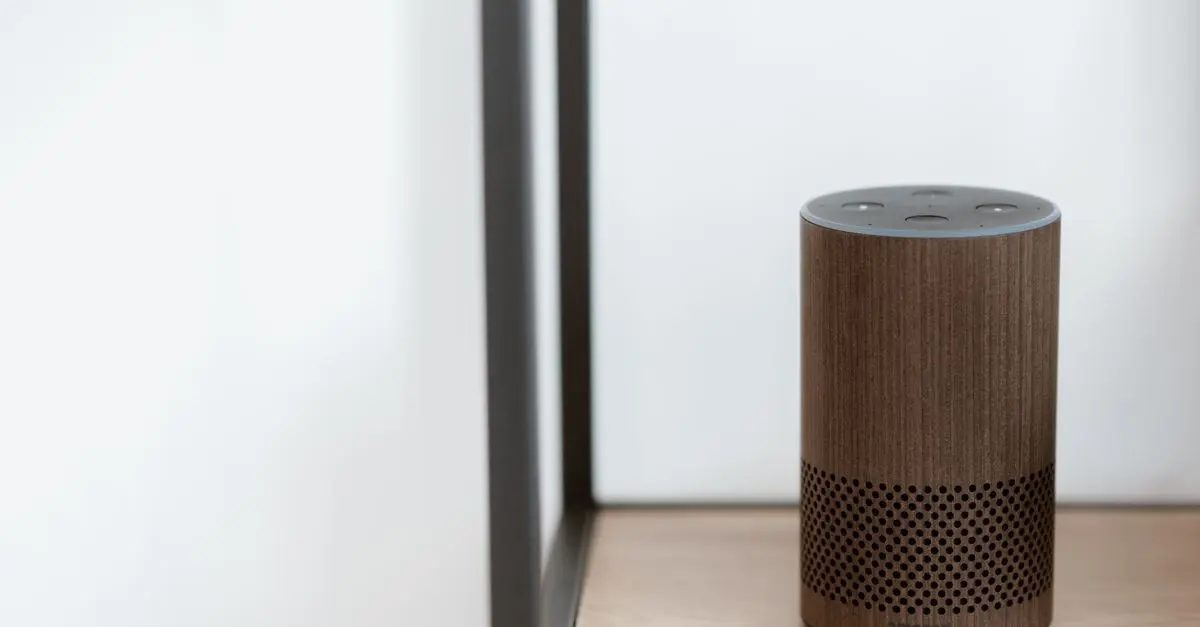
A smart hub acts as a central control unit, reducing the number of separate apps required. Devices that connect through a single hub often perform better because they can talk to each other directly instead of communicating through different apps or platforms. Research shows that over 60% of users report ease of control with a dedicated smart hub.
GreatGadgets LLC Adjustable Laptop Stand For Desk, Stand Up Desk For Laptop With 360 Rotating Legs, Notebook Laptop Riser For Desk Adjustable Laptop
inspireuplift.com
GreatGadgets LLC 45 Lock Miter Router Bit 45 Lock Miter Router Bit
inspireuplift.com
3. Optimize Wi-Fi Connectivity
Placements and Extenders
Reliable and fast Wi-Fi is vital for an effective smart gadget setup. Consider the placement of your router to ensure even coverage throughout your home. Obstacles like walls and furniture can weaken signals. Placement in central locations often yields the best results.
If you experience weak signals in certain parts of your house, investing in Wi-Fi extenders can help increase range and strength. This is especially important for devices that rely on constant connectivity, such as smart cameras or streaming devices. According to a survey from Les Numériques, over 40% of users experience connectivity problems due to poor Wi-Fi coverage.
Analyze Your Network Traffic
Another step is monitoring your network traffic. Too many devices can strain your bandwidth, leading to lag and unresponsive devices. Using apps to analyze and optimize your network can not only enhance performance but can also identify rogue devices consuming unnecessary bandwidth.
4. Make Use of Automation
Setting Up Routines
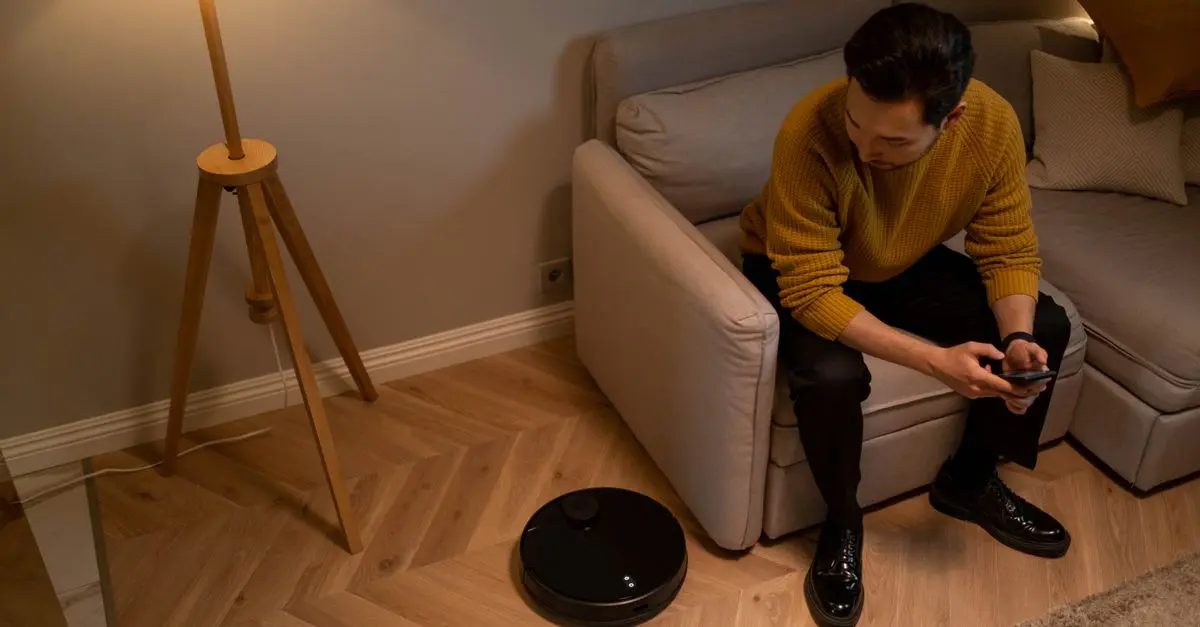
Automation is key to maximizing the efficiency of your gadgets. Most systems like Google Home and Amazon Alexa allow for custom routines, scheduling various actions based on time, occupancy, or events. For example, programming lights to turn off when you leave home saves energy while ensuring convenience.
Responding to User Behavior
Advanced setups can even learn from user behaviors. Smart thermostats, for instance, adjust heating based on your preferences and routines, leading to up to 25% savings on your energy bills (as reported by ADEME). Additionally, consider integrating smart sensors to trigger actions that further automate your environment; for instance, reopening blinds at dawn could create an energy-efficient morning playlist as you wake up.
5. Regular Maintenance and Updates
Firmware and Software Updates
Keeping your devices updated cannot be overlooked. Regular firmware updates fix bugs and enhance functionalities. Many users underestimate this aspect, leading to a gap in optimal performance. Schedule reminders to update your smart devices to keep them running at their best.
Troubleshooting Common Issues
Finally, familiarize yourself with troubleshooting techniques. Many common issues can be resolved by simple resets or reconfigurations. Having a checklist of common problems and solutions handy can save time and frustration in the long run.
Pro Tips
- Keep all devices within the range of your Wi-Fi.
- Use energy-efficient settings where applicable.
- Regularly check compatibility when introducing new devices.
Checklist for an Efficient Smart Gadget Setup
- [ ] Evaluate current device integration
- [ ] Choose compatible devices
- [ ] Optimize router placement
- [ ] Set up and refine automation routines
- [ ] Regularly update device firmware
- [ ] Monitor network traffic
📺 Resource Video
> 📺 For further insights: Explore how to optimize your smart home devices effectively. Search on YouTube: "best practices for smart gadget integration 2026".
Glossary
| Term | Definition |
|---|---|
| Smart Hub | A central device to manage and control all smart gadgets. |
| Zigbee | A wireless communication protocol connecting low-power devices. |
| Wi-Fi Extender | A device that increases the range of a Wi-Fi network. |
Recommended products
Selected by our experts
GreatGadgets LLC Laptop Stand For Bed Laptop Stand For Bed
inspireuplift.com
The Laptop Stand for Bed provides comfort for remote work or leisure activities, supporting ergonomic use while using smart devices.
GreatGadgets LLC Adjustable Laptop Stand For Desk, Stand Up Desk For Laptop With 360 Rotating Legs, Notebook Laptop Riser For Desk Adjustable Laptop
inspireuplift.com
An adjustable laptop stand enables users to customize their workspace, ensuring a comfortable setup for prolonged smart gadget usage.
GreatGadgets LLC 45 Lock Miter Router Bit 45 Lock Miter Router Bit
inspireuplift.com
Using quality tools like the Lock Miter Router Bit can improve your DIY projects, allowing better integration of smart home installations.