Table of Contents (9 sections)
In an age where technology increasingly influences our daily lives, smart gadget integration has emerged as a vital method for elevating home automation. Not only do these gadgets contribute to increased comfort, but they also improve home efficiency, security, and energy management. From smart thermostats that learn your preferences to smart lighting that adjusts to your mood, the possibilities are endless. In this tutorial, we’ll guide you through the essential steps to integrate these transformative devices into your home effectively.
Step 1: Assess Your Needs and Goals
Before diving into the world of smart gadgets, it is essential to evaluate your specific needs and goals. Assessing these elements will allow you to tailor your smart home environment effectively. Ask yourself:
- What improvements do I want to achieve? Consider areas like energy efficiency, security, or convenience. For instance, if your energy bills run high, integrating a smart thermostat can lead to significant savings.
- What devices do I currently own? Take stock of your existing technology. Many devices can integrate seamlessly with newer gadgets, allowing for a more cohesive smart home experience.
- What is my budget? Determining your budget helps narrow down options and prevents overspending. Research different smart home devices to find which balance quality and cost effectively. Lack of a clear roadmap can lead to purchasing gadgets that don’t meet your needs. Thus, defining clear objectives upfront is critical for strategic planning.
Step 2: Choose Your Smart Hub
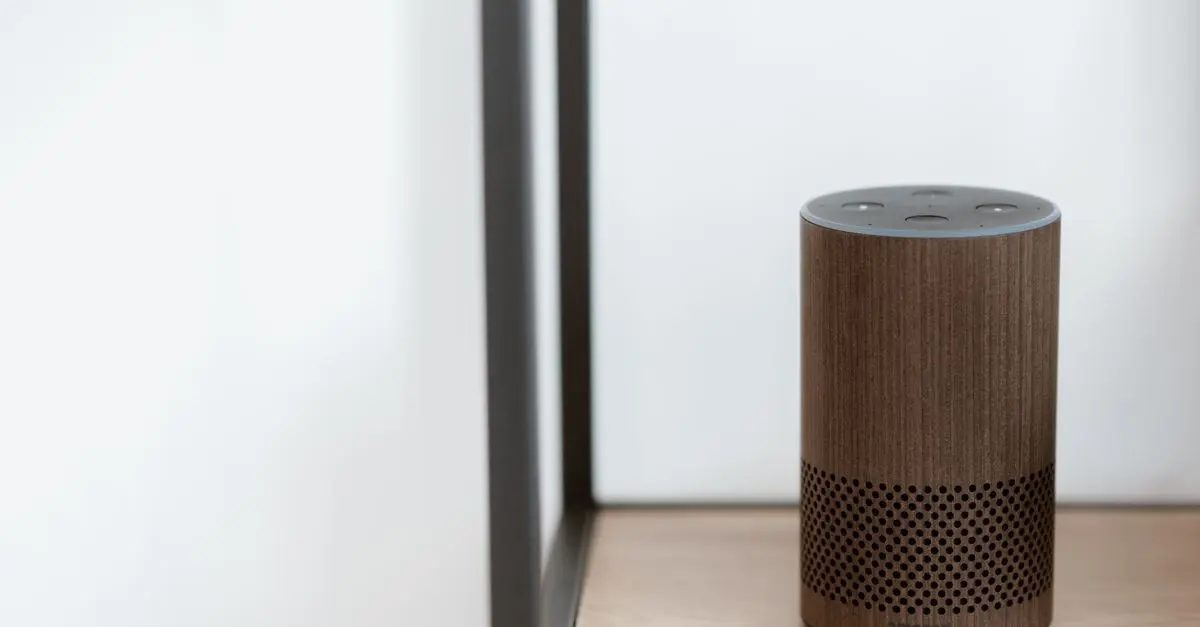
A smart hub serves as the central control unit for your smart gadgets. There are various options available, and the choice often depends on compatibility with devices and user preference. Popular smart hubs include dedicated devices like Amazon Echo, Google Nest, and mobile platforms that allow central control via your smartphone. When selecting a hub, consider the following:
- Compatibility: Make sure your hub can control the devices you plan to integrate. For instance, some hubs may not support certain brands or protocols (Z-Wave, Zigbee, etc.).
- User Interface: Opt for a hub with an intuitive user interface for easy navigation and control.
- Voice Control Options: If voice activation is a priority, selecting a hub with robust voice command features can enhance your experience.
Step 3: Integrate Your Smart Gadgets One by One
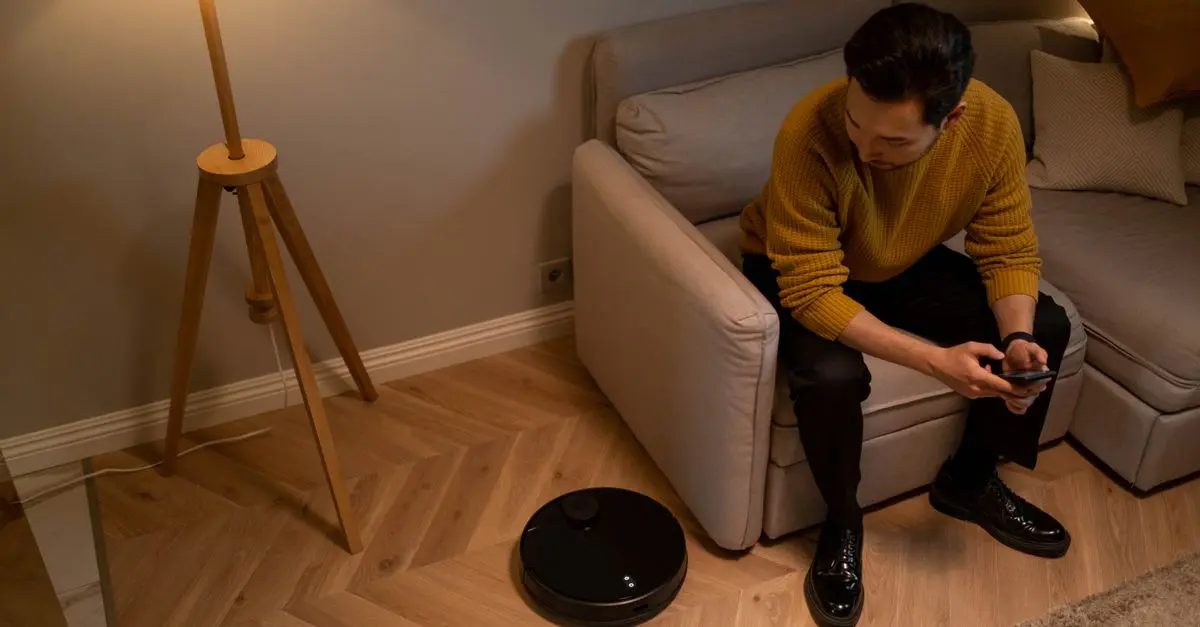
Once you have established the hub, it’s time to start integrating your gadgets. Doing this one by one helps monitor the effectiveness and troubleshoot issues that arise. Begin with devices that align with your primary goals:
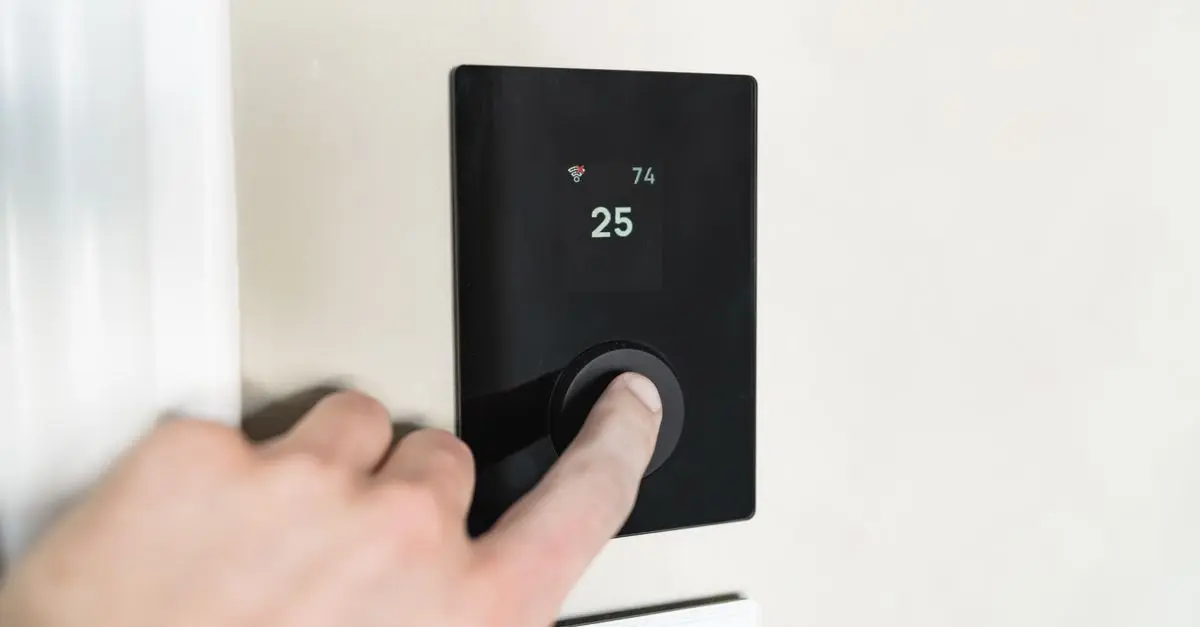
- Smart Thermostat: An excellent first integration that can drastically reduce energy costs by learning your heating and cooling preferences.
- Smart Lighting: Essential for creating mood and ambiance. Choose smart bulbs that can be dimmed and color-adjusted via your smartphone.
- Smart Security System: Begin with cameras or motion sensors to enhance home security. Look for systems that allow remote monitoring.
Before each installation, consult the product manual, ensuring that you follow the necessary technical specifications. Improper installations can lead to malfunctioning devices that detract from overall functionality.
Step 4: Ensure Robust Security
As you integrate smart gadgets into your home, security becomes increasingly crucial. According to a study by the Cyber Security and Infrastructure Security Agency (CISA), approximately 60% of individuals are concerned about the security of smart devices. Here are key practices to adopt for enhanced security:
- Update Firmware Regularly: Always ensure your devices have the latest firmware applied. Device manufacturers regularly update their firmware to address security vulnerabilities.
- Use Strong Passwords: Avoid default passwords and utilize complex, unique passwords for each device.
- Network Segmentation: If possible, set up a separate Wi-Fi network for your smart gadgets to limit access from your main network.
Step 5: Automate and Optimize
Once you have integrated your smart devices, the real magic lies in automation and optimization. Many platforms offer ways to automate scenarios or routines, significantly enhancing convenience. Consider the following:
- Scheduling: Set timers for lights to turn on or off to create a welcoming environment upon returning home. Automate heating based on daily routines for energy savings.
- Scenes or Routines: Configure devices to work together. For instance, create a “movie night” scene that dims the lights, closes the blinds, and sets the thermostat to your ideal temperature.
- Smart Assistants: Leverage voice-activated assistants for hands-free control and instant responses for everyday tasks.
Checklist before Finalizing Your Smart Home Setup
- [ ] Assess your needs and budget
- [ ] Choose compatible smart hub
- [ ] Integrate gadgets one by one
- [ ] Ensure device security
- [ ] Automate for efficiency
Glossary
| Term | Definition |
|---|---|
| Smart Hub | A central device that connects multiple smart appliances and devices together. |
| Z-Wave | A wireless protocol used for communication between smart home devices. |
| Voice Activation | A feature allowing devices to be controlled through user voice commands. |
📺 For further learning:
Watch videos about smart gadget integration on YouTube to get practical tips on optimizing your smart home setup. Search for: "smart home automation guide 2026".
🧠 Quick Quiz: What is the primary function of a smart hub?
- A) Store personal data
- B) Central control unit for devices
- C) Simple light switch
Answer: B — A smart hub centralizes control for multiple devices, making smart home management easier.
In conclusion, adopting smart gadget integration is no longer an option but a necessity for creating a functional and efficient home in 2026. Follow these steps carefully, and you’ll enjoy the benefits of modern technology while increasing your home’s value, comfort, and security.
📺 Pour aller plus loin : smart home automation guide 2026 sur YouTube