Table of Contents (11 sections)
Creating a smart home setup can significantly enhance your living experience, making everyday tasks more convenient and efficient. Smart gadgets range from voice-activated assistants to automated lighting systems, each designed to streamline aspects of home life. In this article, we will explore how to choose the best smart gadgets for your home setup, ensuring you make informed decisions that cater to your needs and improve your quality of life.
1. Assess Your Needs and Lifestyle
Before diving into the world of smart gadgets, it's crucial to assess your specific needs and lifestyle. Ask yourself:
- What tasks do I want to automate?
- Are there any specific areas in my home that require enhancement?
- How tech-savvy am I?
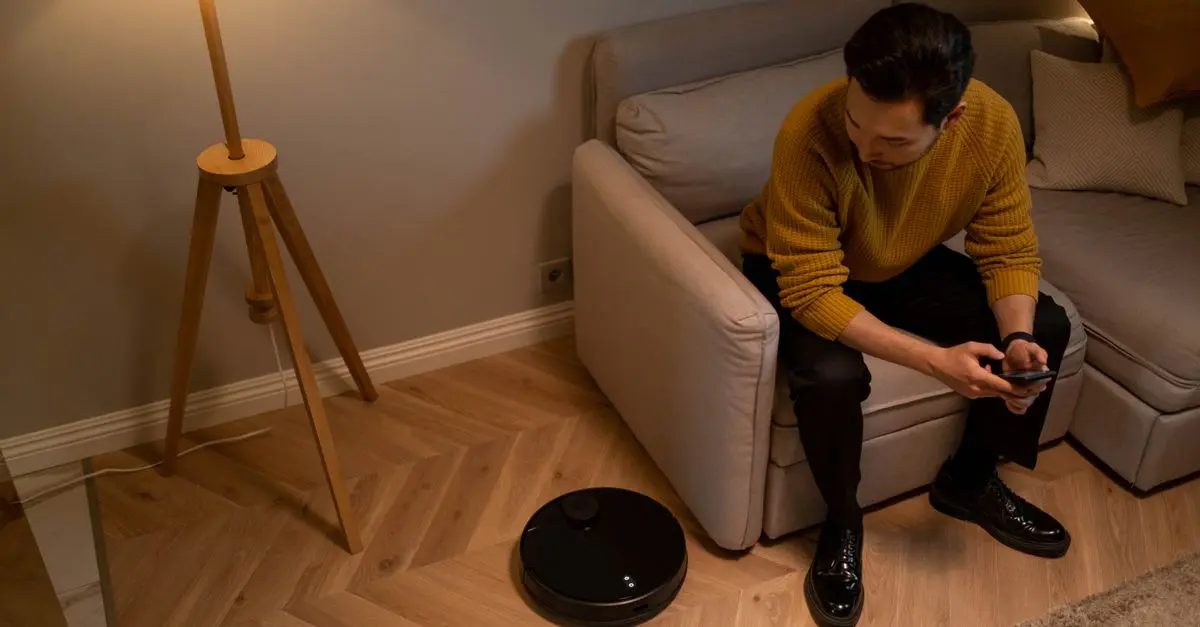
For instance, if you're frequently away from home, home security may be a priority, necessitating smart cameras or alarms. Or perhaps you want to simplify your daily routines by investing in smart speakers that can control your home’s lighting and thermostat through voice commands. An understanding of your lifestyle will help to align with the best smart gadgets for home setup that fits your unique situation.
2. Set a Budget
Determining a budget is another important step to guide your decisions while shopping for smart gadgets. As technology continues to evolve, prices can vary widely between different brands and functionalities. Having a budget in mind allows you to narrow down your options and prevent overspending.
3. Research Compatibility
Once you have an idea of what you want and how much you're willing to spend, it’s essential to research compatibility. Many smart gadgets operate within ecosystems—like Amazon Alexa, Google Home, or Apple HomeKit. Ensure that the devices you're considering will work seamlessly together. For example, if you have an Amazon Echo, it’s beneficial to select gadgets that integrate with Alexa for smooth operation. Compatibility extends to the operating systems of your smartphones and tablets as well, ensuring you can control everything from a single interface.
4. Prioritize Security Features
With the rise of smart home devices, security becomes paramount. Since these devices are often connected to the internet, they can be vulnerable to hacking if not secured properly. Look for smart gadgets that offer robust security features such as encryption, two-factor authentication, and regular software updates. As highlighted by UFC-Que Choisir, the prioritization of security when choosing smart gadgets cannot be overstated to safeguard your home network and personal information.
5. Read Reviews and Compare Options
Once you’ve narrowed down your choices, reading user reviews on platforms such as Les Numériques or 60 Millions de Consommateurs can provide deep insights into product performance and reliability. Compare specifications, customer feedback, and even expert opinions to determine which products might suit your needs best.
Comparison Table of Smart Gadgets
| Gadget Type | Features | Price Range | Recommended Use |
|---|---|---|---|
| Smart Speaker | Voice control, music streaming | $50 - $300 | Home entertainment |
| Smart Lights | Color changing, schedules | $10 - $100 | Mood and environment |
| Smart Security System | Cameras, alarms, monitoring | $100 - $500 | Home security |
| Smart Thermostat | Temperature control | $100 - $250 | Energy saving |
6. Future-Proofing Your Selection
With technology advancing rapidly, consider opting for gadgets that are known for longevity and upgradeability. Brands that frequently update their firmware and introduce new features can offer better value in the long run. Look for well-established brands that have a history of supporting their devices and providing exceptional customer service. This can ensure that your smart home setup remains relevant and functional for years to come.
7. Test Functionality
Before finalizing purchases, if possible, test the devices you’re considering. Whether it's at a retail store or through friends and family, firsthand experience can provide valuable insights into the user interface and controls. Pay attention to how responsive the devices are, how intuitive the app is for smartphone control, and whether their performance meets your standards.
8. Installation and Setup
Finally, take into account the installation process. Some smart gadgets may require professional installation, while others can be easily set up by yourself. Make sure to read the manufacturer's instructions thoroughly and check if there are additional installation costs.
Checklist Before Purchase
- [ ] Define your smart home needs
- [ ] Set a clear budget
- [ ] Verify compatibility with existing devices
- [ ] Research security features
- [ ] Read product reviews
- [ ] Compare specifications and options
- [ ] Test the devices if possible
- [ ] Consider installation requirements
Glossary
| Term | Definition |
|---|---|
| Smart Gadgets | Devices that connect to the Internet for enhanced functionality. |
| Ecosystem | A network of devices that work together, often within a common platform or app. |
| Firmware | Software embedded in hardware that allows devices to function. |
> 📺 For more insights: Check out videos titled "Best Smart Home Gadgets 2026" for an in-depth review of current top tech. Search on YouTube:
best smart gadgets for home setup 2026.
By considering these steps, you can confidently select the best smart gadgets for your home setup that will provide utility, enhance safety, and streamline your lifestyle. Don’t forget to check our recommended products below for additional options that fit these criteria well.
📺 Pour aller plus loin : best smart gadgets for home setup 2026 sur YouTube
Recommended products
Selected by our experts

Smart Smartphone Case - For Samsung Galaxy XCover6 Pro Smartphone - Black
bestbuy.com

MOVO - PR-1 Smartphone Grip Handle Rig - Compatible with Most Smartphones
bestbuy.com

Movo PR-1 Smartphone Grip Handle Rig - Compatible with Most Smartphones black
shop.simon.com